Server Backup
Automated Krill Server backup with configurable retention and one-click restore — compressed archives of node data, snapshot history, project files, and camera thumbnails.
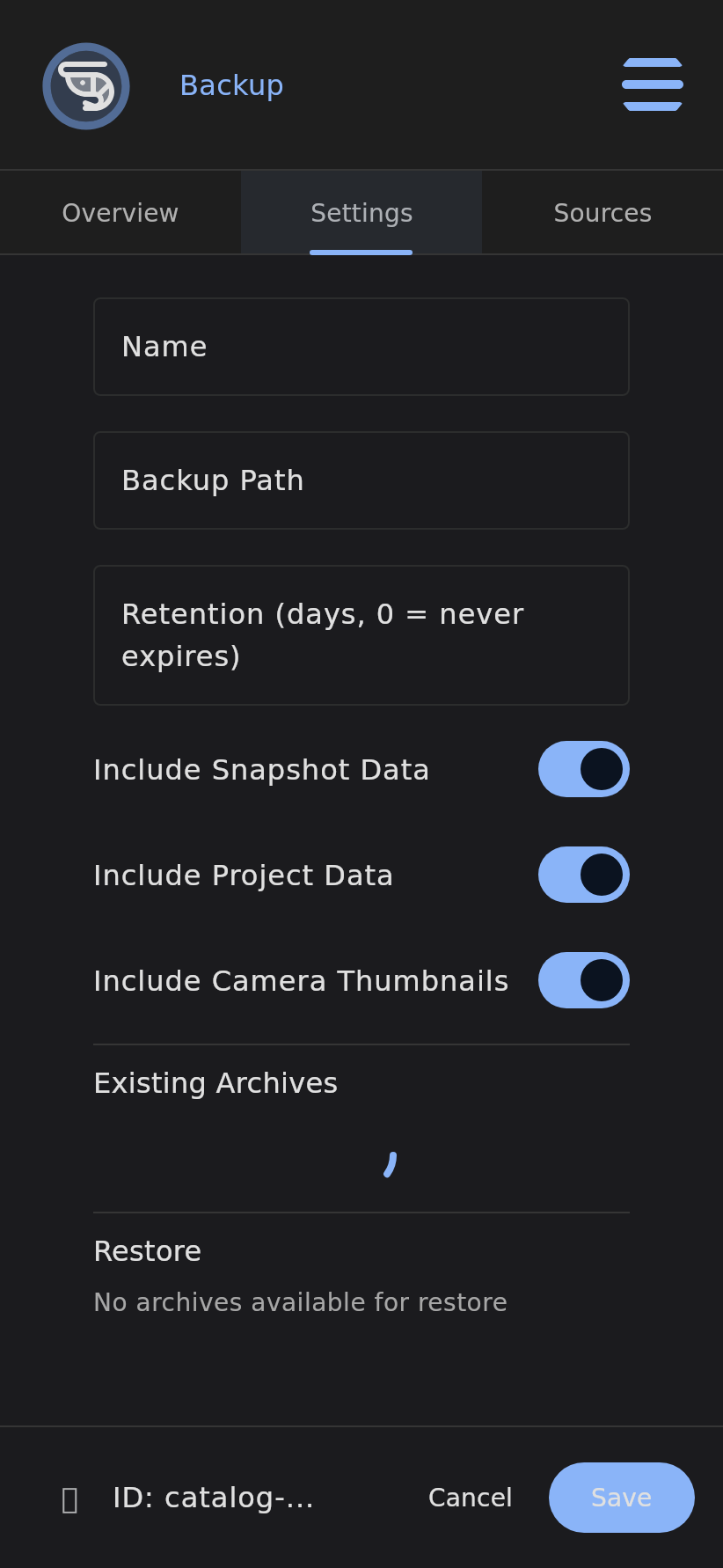
The Backup node creates compressed ZIP archives of all node data, snapshot history, project files, and camera thumbnails on a Krill Server. Each archive embeds the server hostname and an expiry timestamp for automatic cleanup, giving you scheduled disaster recovery with configurable retention and a one-click restore.
Info: Backup is a Server node. Wire it to a Cron Timer for scheduled backups, or to a Button for manual on-demand backups.
Overview
A Krill Server accumulates real value over time: your node graph, the time-series history behind every Data Point, project layouts, and camera snapshots. The Backup node packages all of it into a single timestamped ZIP so you can recover after hardware failure, an SD-card wearout, or a botched firmware update.
How It Works
graph TD
    A[Trigger fires - Cron or Button] --> B[Export all nodes to JSON]
    B --> C[Copy selected data directories]
    C --> D[Write timestamped ZIP with hostname + expiry]
    D --> E[Store in backup directory]
    F[Daily cleanup] --> G{archive past expiry?}
    G -->|Yes| H[Delete expired archive]
- When the parent executor fires, the Backup node exports every node to JSON.
- It copies the selected data directories (snapshot history, project files, camera thumbnails) into the archive.
- It writes a compressed ZIP stamped with the server hostname and an embedded expiry timestamp.
- A daily cleanup pass deletes any archive that has passed its expiry, enforcing your retention window.
Configuration
| Field | Description | Required |
|---|---|---|
backupPath | Directory where archives are written | Yes |
include flags | Which data sets to include (nodes, history, projects, camera thumbnails) | Yes |
maxAgeDays | Retention window; archives older than this are removed by daily cleanup | Yes |
Use Cases
- Nightly automated backup driven by a Cron Timer.
- Manual backup before maintenance triggered by a Button.
- Backup before a firmware update so you can roll back cleanly.
Examples
- Back up this server every night at 2am.
- Create a backup before I update the firmware.
- Set up automated backups with 30-day retention.
Related
Last verified: 2026-05-21