Discard Below Filter
Filter out dropouts and invalid readings by ignoring any sensor value below a minimum you set before it's stored.
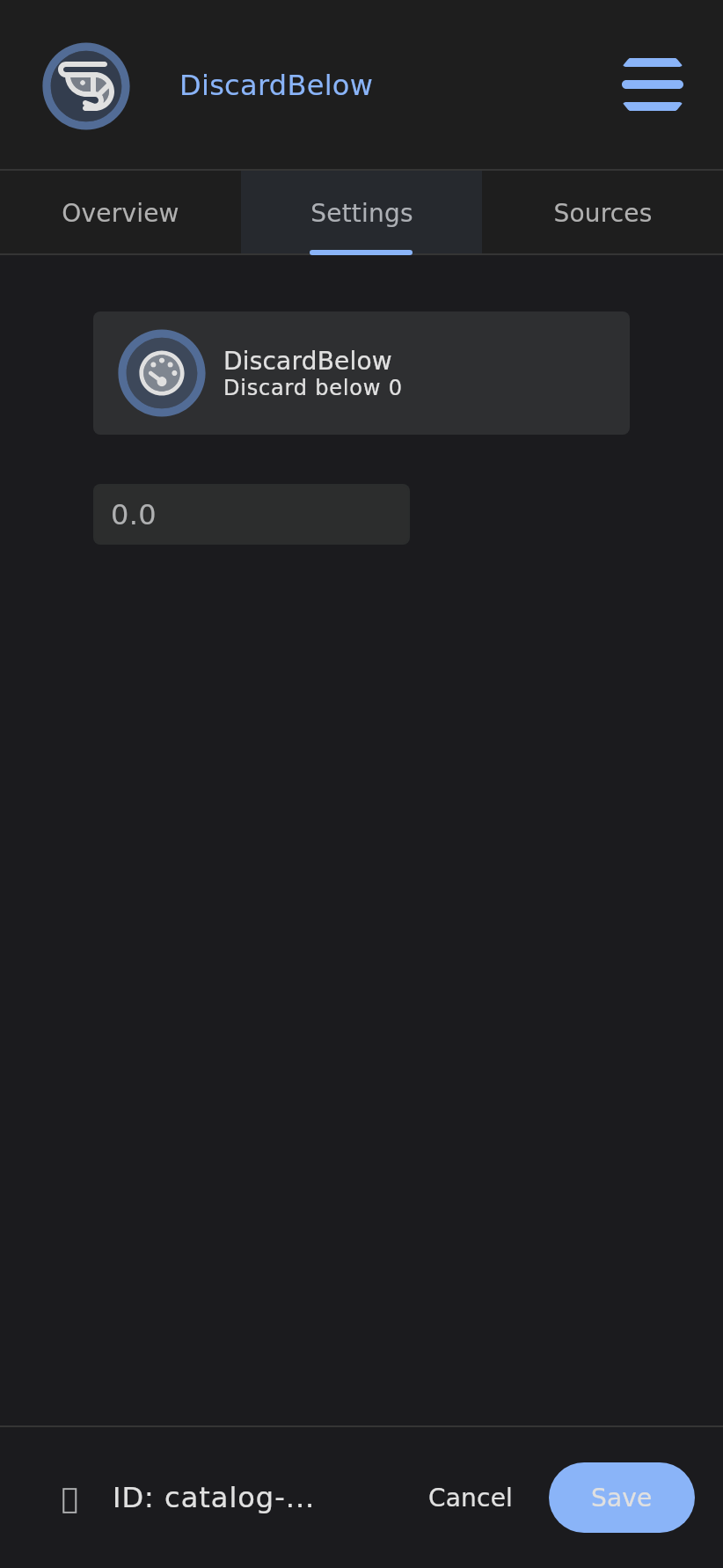
The Discard Below filter rejects Data Point snapshots where the value falls below a configured minimum threshold. When a snapshot value is less than the threshold it is discarded and not stored — preventing outliers, sensor errors, or invalid low readings from entering the data store.
Info: This is a Data Point Filter — a leaf node that sits under a Data Point’s filter chain and gates incoming snapshots before they are stored.
Overview
A faulty probe often reads zero or a negative value when it drops out, and those phantom readings drag down averages and fire false low-threshold alerts. Discard Below sets a hard floor so anything beneath it is rejected before it reaches storage.
How It Works
graph TD
    A[New snapshot arrives] --> B{value < minimum threshold?}
    B -->|Yes| C[Discard snapshot]
    B -->|No| D[Accept snapshot, store, propagate]
- A new snapshot arrives at the parent Data Point.
- The filter compares the snapshot value against the configured minimum.
- If the value is less than the threshold, the snapshot is discarded; otherwise it is accepted, stored, and propagated.
Configuration
| Field | Description | Required |
|---|---|---|
minimum | Minimum allowed value (Double); snapshots below this are discarded | Yes |
Use Cases
- Remove negative error readings from dropped-out sensors.
- Enforce a minimum valid range for a measurement.
- Filter out zero or below-zero values that indicate a fault.
Examples
- Discard any temperature readings below 0.
- Filter out negative values.
- Ignore sensor readings under 10.
Related
Last verified: 2026-05-21