Debounce Filter
Throttle noisy or chatty sensors — rate-limit readings so a value is only logged once per set time interval.
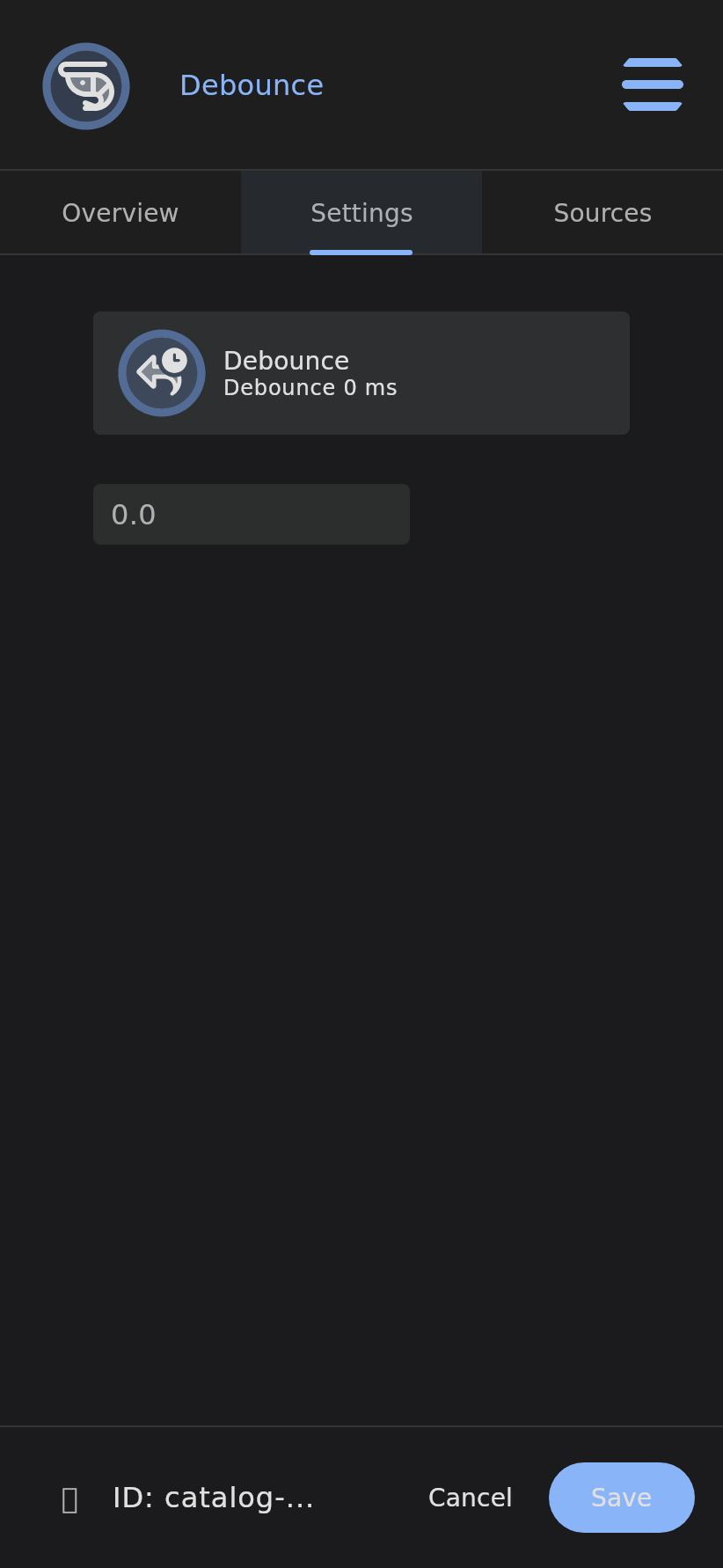
The Debounce filter rejects Data Point snapshots that arrive too quickly after the previous one. It compares the time delta between the new and previous snapshot timestamps against a configured minimum interval in milliseconds, discarding the snapshot if it arrives before the interval has elapsed — rate-limiting updates to reduce storage and processing load.
Info: This is a Data Point Filter — a leaf node that sits under a Data Point’s filter chain and gates incoming snapshots before they are stored.
Overview
Some sources are too chatty: a flow meter that emits hundreds of pulses a second, or a mechanical switch that bounces on contact. Debounce throttles them down to one accepted reading per configured interval, so a fast sensor doesn’t flood your history or hammer downstream automation.
How It Works
graph TD
    A[New snapshot arrives] --> B[delta = new.timestamp − previous.timestamp]
    B --> C{delta >= minimum interval?}
    C -->|Yes| D[Accept snapshot, store, propagate]
    C -->|No| E[Discard snapshot]
    D --> F[previous.timestamp = new.timestamp]
- A new snapshot arrives at the parent Data Point.
- The filter measures the time since the previously accepted snapshot.
- If at least the configured interval has elapsed, the snapshot is accepted, stored, and propagated.
- If it arrives sooner, the snapshot is discarded.
Configuration
| Field | Description | Required |
|---|---|---|
intervalMs | Minimum time in milliseconds between accepted snapshots (Double) | Yes |
Use Cases
- Rate-limit sensor updates from high-frequency sources.
- Prevent switch bounce on mechanical contacts.
- Reduce data volume from fast sensors and throttle logging.
Examples
- Only accept one reading per second (1000 ms debounce).
- Limit this sensor to one update every 5 seconds.
- Debounce this switch to prevent rapid toggling.
Related
Last verified: 2026-05-21