Krill Android
Krill for Android - monitor and control your Raspberry Pi home automation and IoT sensors from your phone, with live data and project dashboards.
Krill Android
Krill Android is now on Google Play!
Krill is an offline-first, decentralized, real-time control system. No cloud account or internet connection required.
Getting started: Install a Krill Server on a Raspberry Pi, launch the app on the same network, and your server appears automatically via beacon discovery. See the Getting Started guide for a full walkthrough.
Features
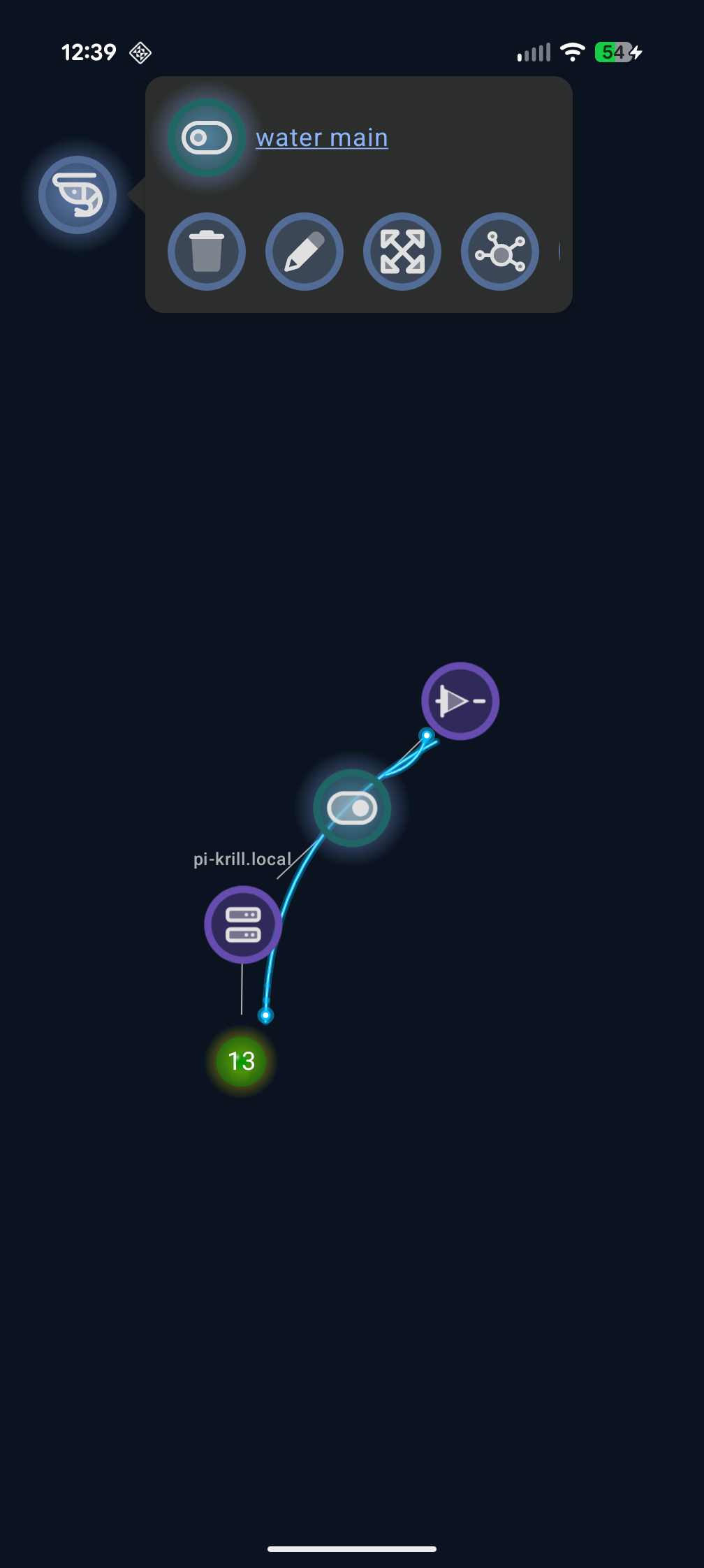
- Swarm visualization — Interactive force-graph view of all your nodes, servers, and connections
- Full node management — Create, edit, and delete all 35 node types from your phone
- Real-time updates — SSE-based live state sync with sub-second latency
- Project dashboards — Organized views with live camera feeds, mini graphs, and digital toggles
- Data export — CSV download of DataPoint time-series
- Node search — Filter the swarm by name or type
- Alerting — Visual pulsing indicators on WARN/ERROR nodes
- Offline-first — Works on your local network with zero cloud dependency
- PIN-based security — Shared cluster authentication via 4-digit PIN
- Multi-server mesh — Connect to multiple Krill Servers across your network
Scales to any size — run Krill Server on any Debian-based system (Raspberry Pi, Ubuntu, etc.).
Last verified: 2026-04-03
This post is licensed under CC BY 4.0 by Sautner Studio, LLC.