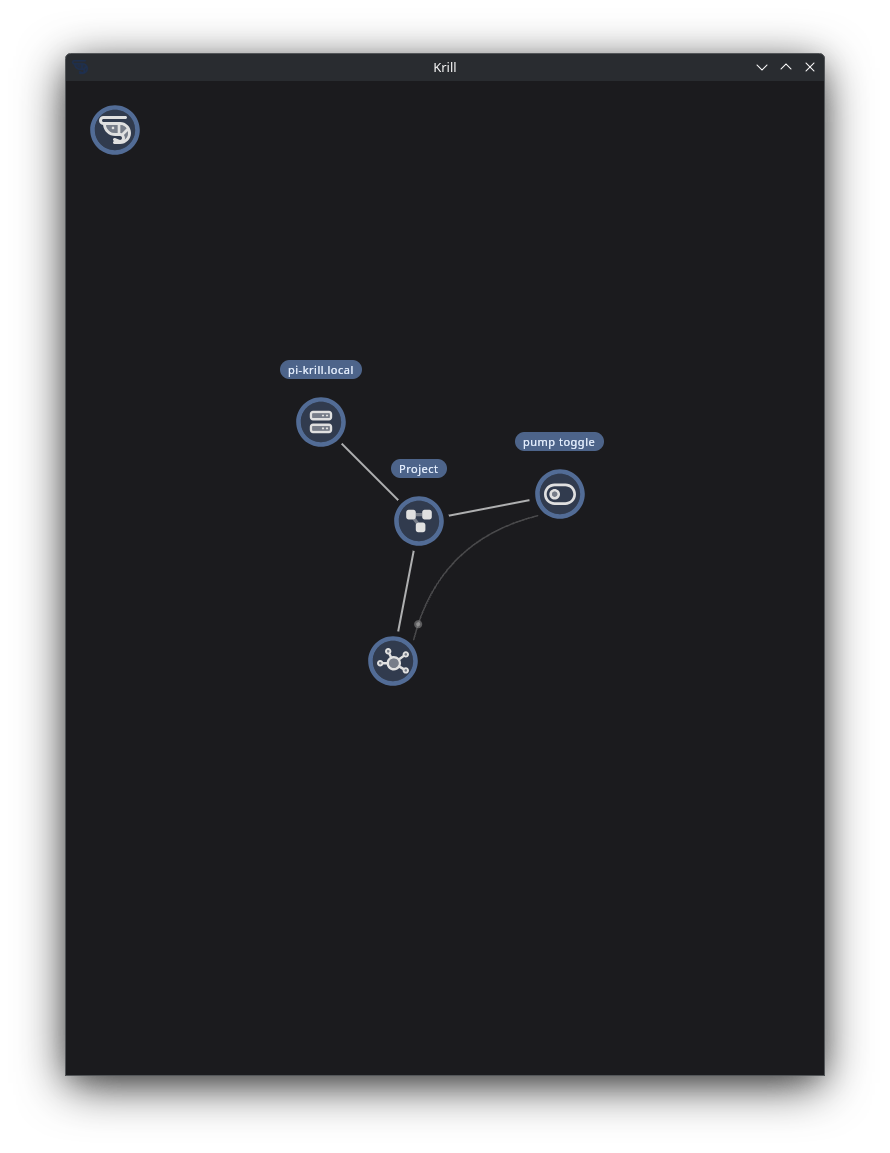
Zigbee and MQTT Integration
Controlling Zigbee devices over MQTT
Integrated Zigbee devices with MQTT
You can create Pub/Sub nodes in Krill to send and receive MQTT messages, allowing you to integrate with Zigbee devices through an MQTT broker. This enables you to control Zigbee devices and receive their status updates in real time.
To set this up, you would typically have a Zigbee to MQTT bridge (like Zigbee2MQTT) that connects your Zigbee devices to an MQTT broker. In Krill, you can create Pub/Sub nodes that subscribe to the relevant MQTT topics for your Zigbee devices to receive updates, and publish to those topics to send commands.
This also of course opens up the possibility of integrating with any other MQTT-enabled devices or services, allowing for a highly flexible and extensible automation system. You can create complex workflows in Krill that react to changes in your Zigbee devices or send commands based on other triggers in your system.
To get started, you need to setup an MQTT Broker and for this tutorial, Zigbee2MQTT is a great option for bridging Zigbee devices to MQTT. Once you have that set up, you can create Pub/Sub nodes in Krill to connect to your MQTT broker and start integrating your Zigbee devices into your automation workflows.
Install Mosquitto MQTT Broker
sudo apt install mosquitto
Next, Follow the instructions on the Zigbee2MQTT website to set up the bridge and connect your Zigbee devices.
As with most of the tutorials on this site, I like to use a Raspberry Pi with the Lite version of the OS as there’s no need for a desktop environment and it can run headless in the background. You can also run this on any Debian based server if you have one available.
Tip: I usually image my pis with the same settings and my user name “ben” instead of “pi”, make sure if you create a sevice to run Zigbee2MQTT that you change the user to match your setup.
After setting up ZigbeeMqtt, I usually enable the web front end by settting frontend: true in the configuration file. This allows me to easily manage my Zigbee devices and see their status through a web interface.
The configuration file is located in /opt/zigbee2mqtt/data/configuration.yaml and you can edit it with your favorite text editor. Make sure to set the MQTT broker settings to match your setup, including the host, port, username, and password if applicable.
Configure Mosquitto MQTT Broker
By default, Mosquitto allows anonymous connections, but it’s a good idea to set up authentication for security. You can create a password file and add a user with the following commands:
For ease of use, I usually create a file called local.config in the /etc/mosquitto/conf.d/ directory with the following content to allow anonymous connections and listen on all interfaces:
allow_anonymous true
listener 1883 0.0.0.0
Once you get setup and onboarded with Zigbee2MQTT edit your first device to give it a freindly name. I also set my default topic to krill
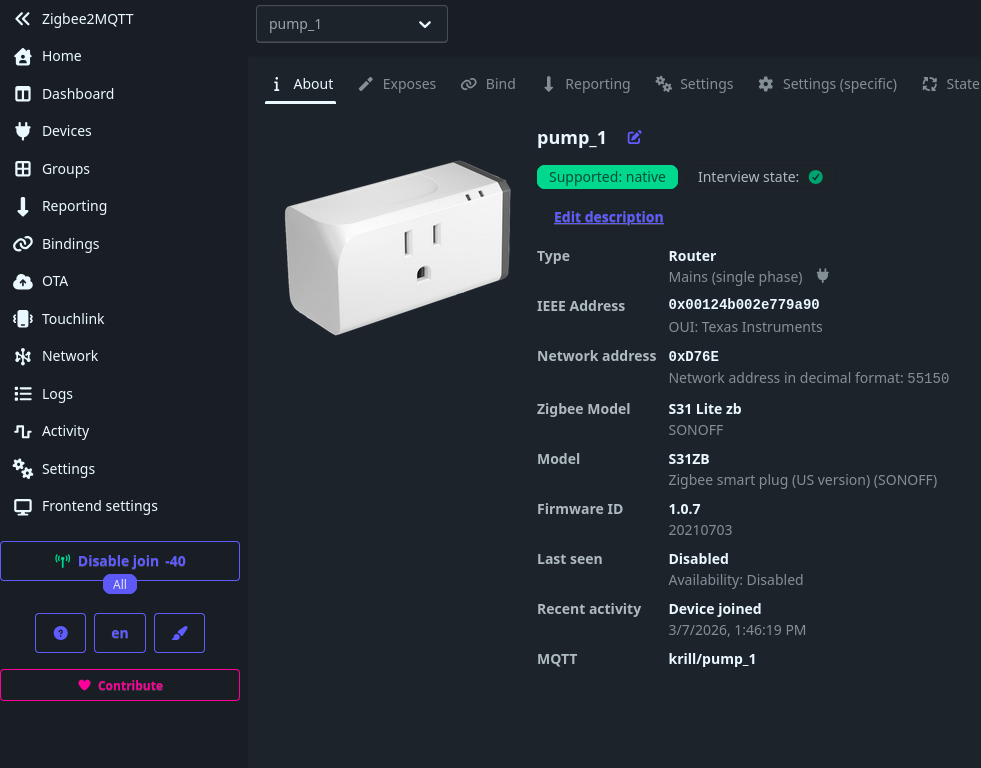
Configure Krill MQTT Pub/Sub Nodes
Krill works by connecting nodes together to create workflows. Many features work based on a source and target node. For MQTT, you can use the Pub/Sub nodes to send and receive messages using data points, serial device data or any other data source in Krill as the source or target.
Krill also uses “Digital States” for On/Off or True/False values. This is important to understand when working with MQTT messages that may be in string format. You can use the “Convert” node in Krill to convert string values to digital states if needed.
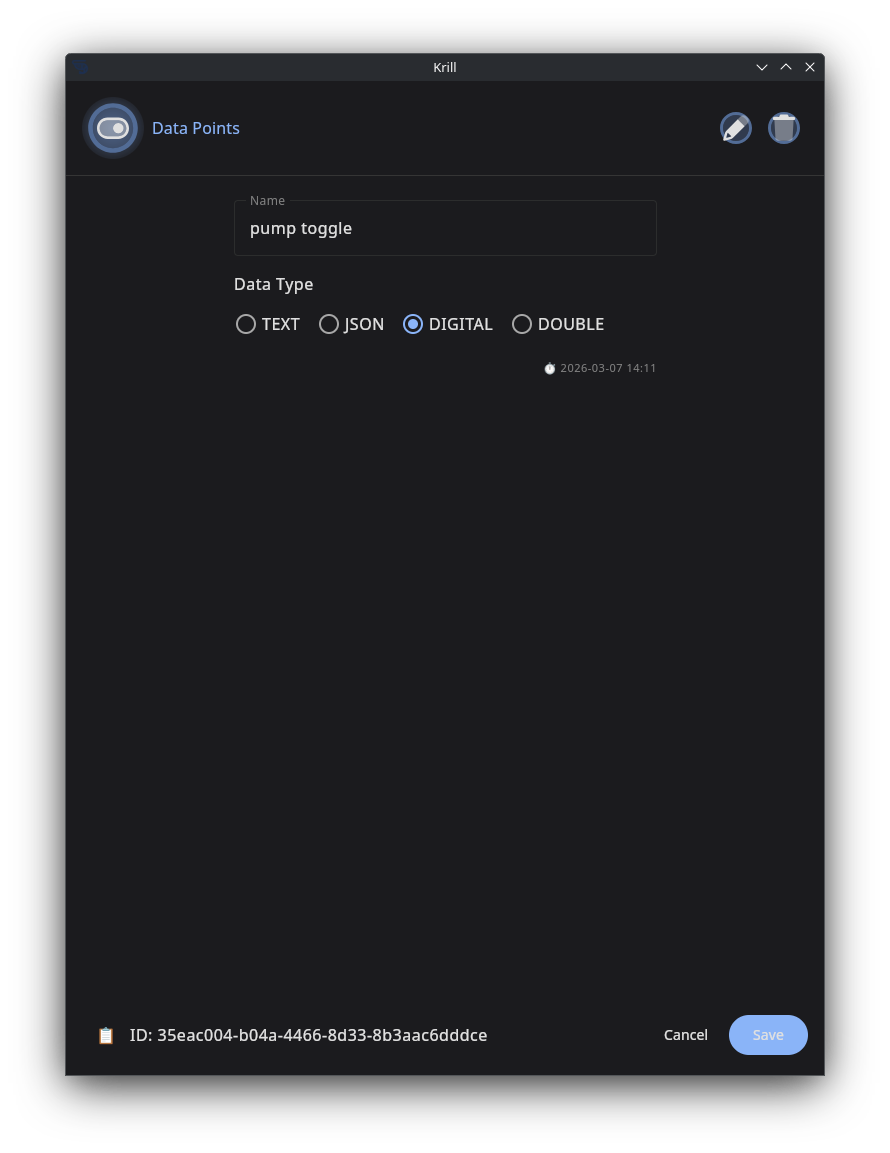
Since this is a Zigbee outlet i’m working with, I’ll create a Data Point Configured to be Digital - in the Krill Apps, digital data points are displayed as toggles you can interact with.
Other sources of Digtal data could be from a GPIO Pin on a Raspberry Pi, a button in the Krill App, or even a schedule that turns on and off at certain times.
Next I’ll create an MQTT Node and configure it to publish the state of the data point when it changes. Select the new digital data point as the source and the topic of the zigbee outlet.
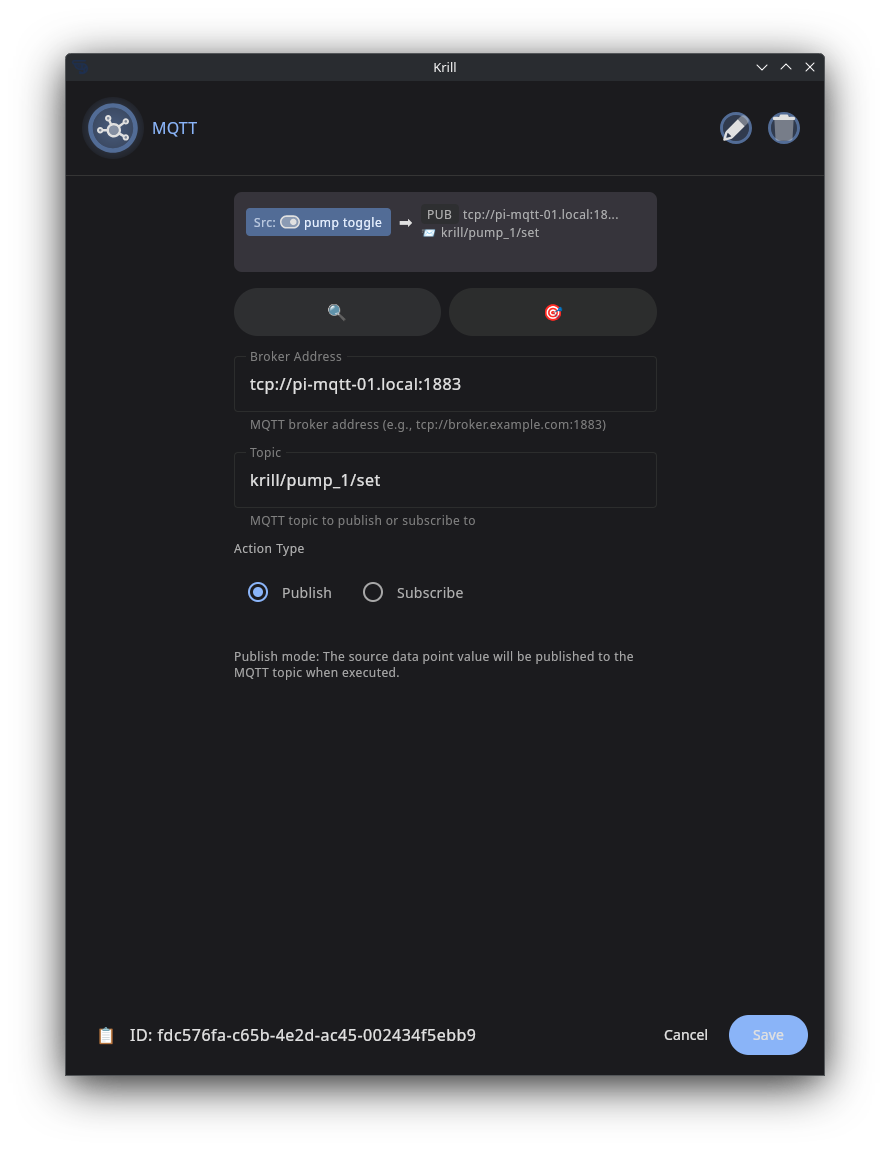
Now when I toggle the data point in the Krill App, it will publish an MQTT message to the topic that Zigbee2MQTT is subscribed to, which will then control the Zigbee outlet.