Create custom diagrams and displays
Create your own custom dashboards with SVG.
Creating Diagrams

Overview
The main screen of a krill app is meant for large form factores like an overhead display of a factory floor or a TV. I like to keep my lab on a tablet on my desk to observe various experiments and see problems and alerts.
When your swarm gets complex, with a lot of servers and nodes it can be hard to see what’s going on but easy to see when there is an error or alert.
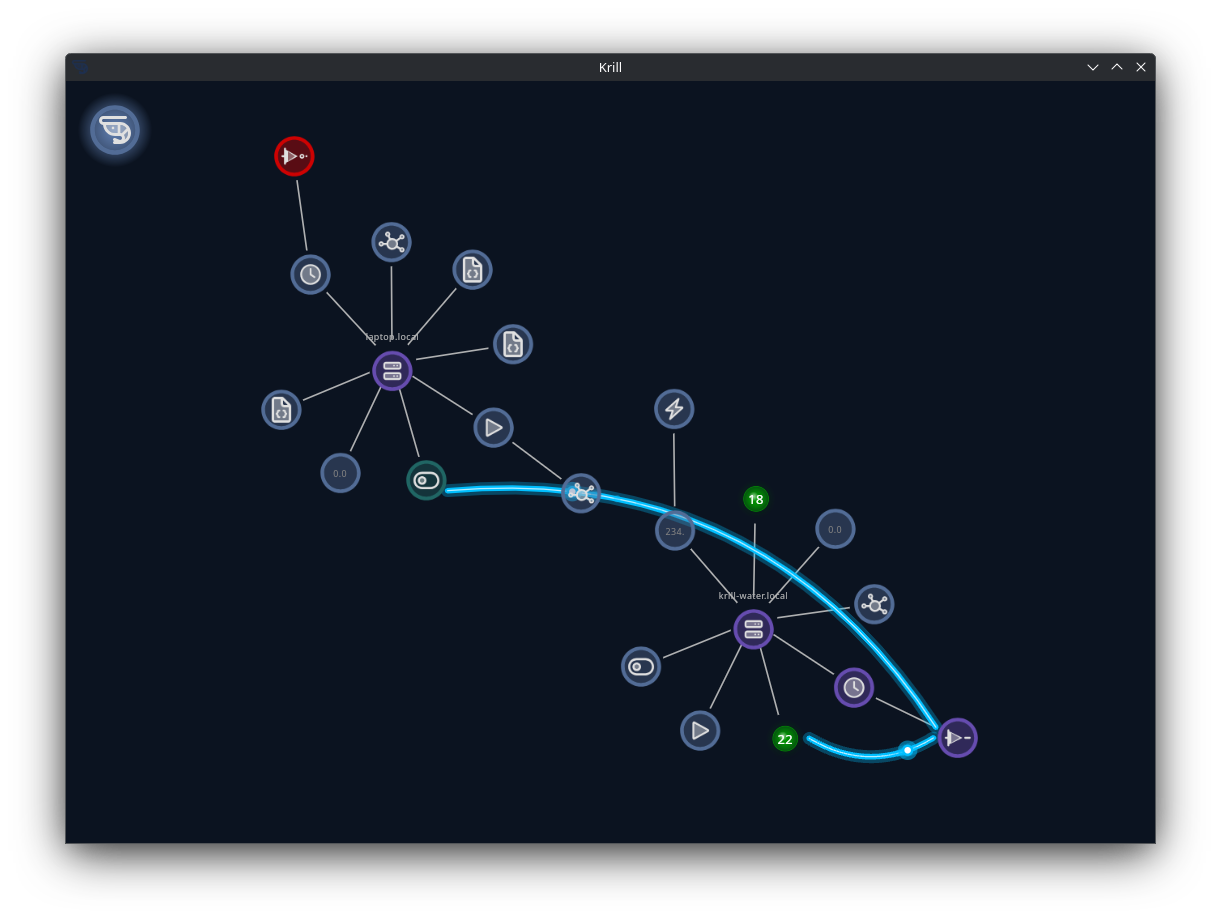
You can create SVG diagrams to visualize your swarm’s processes and data in a way that makes sense to you and use the Krill App to overlay your data to create real-time visualizations.
InkScape is a free and open-source vector graphics editor that can be used to create SVG diagrams. You can use it to design your process control diagrams and then export them as SVG files. That’s what we use!
To add a diagram to krill, connect to a Krill Server and create a project and then add a diagram node.
In the diagram node, you can specify the URL of your SVG file and then bind your data points to the elements in the SVG.
The trick is to create transparent rectangles with an id prefixed with k_ in your SVG file. These will be the anchor points that you can bind to anything in Krill.
There’s no limit to what you can add, even embed other diagrams inside your diagram! You can create a diagram of your factory floor and then embed a diagram of a machine inside it.
In this simple example of a Raspberry Pi with a two water sensors and a relay to control a soleniod to turn on water, a simple diagram can be created to visualize the state of the sensors and the relay turning this:
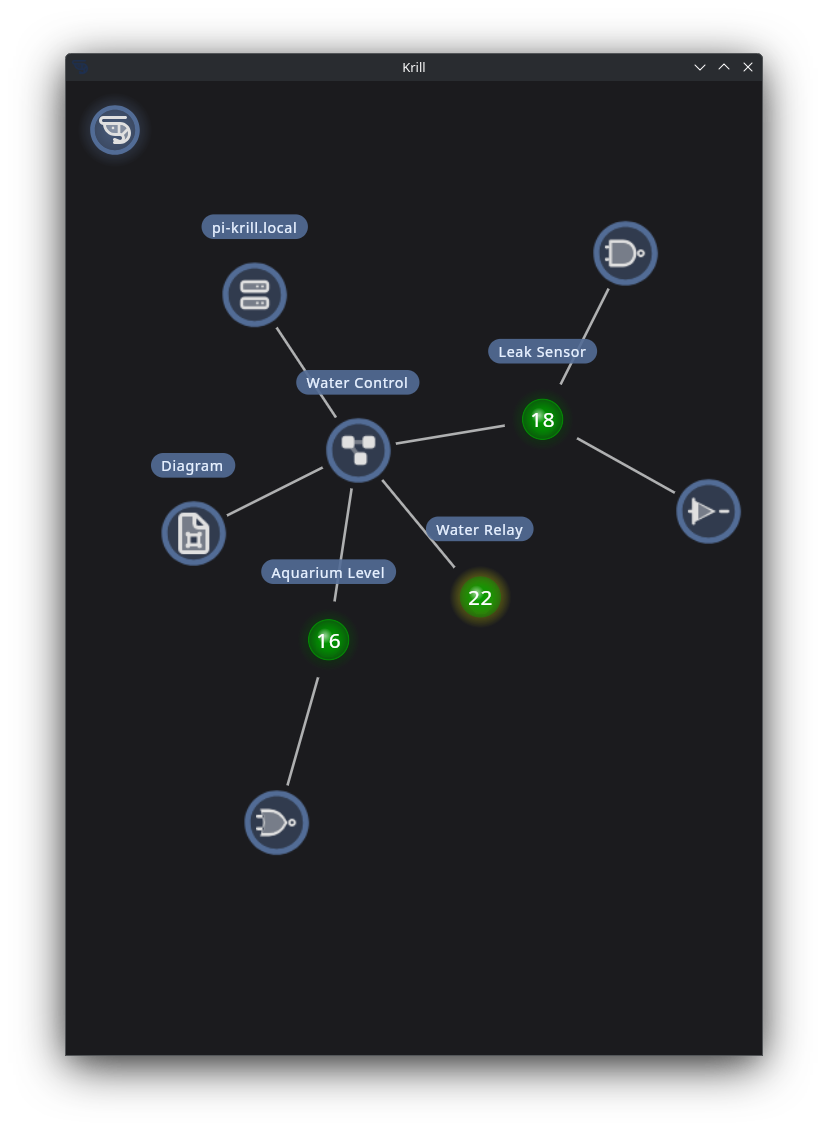
Into this:
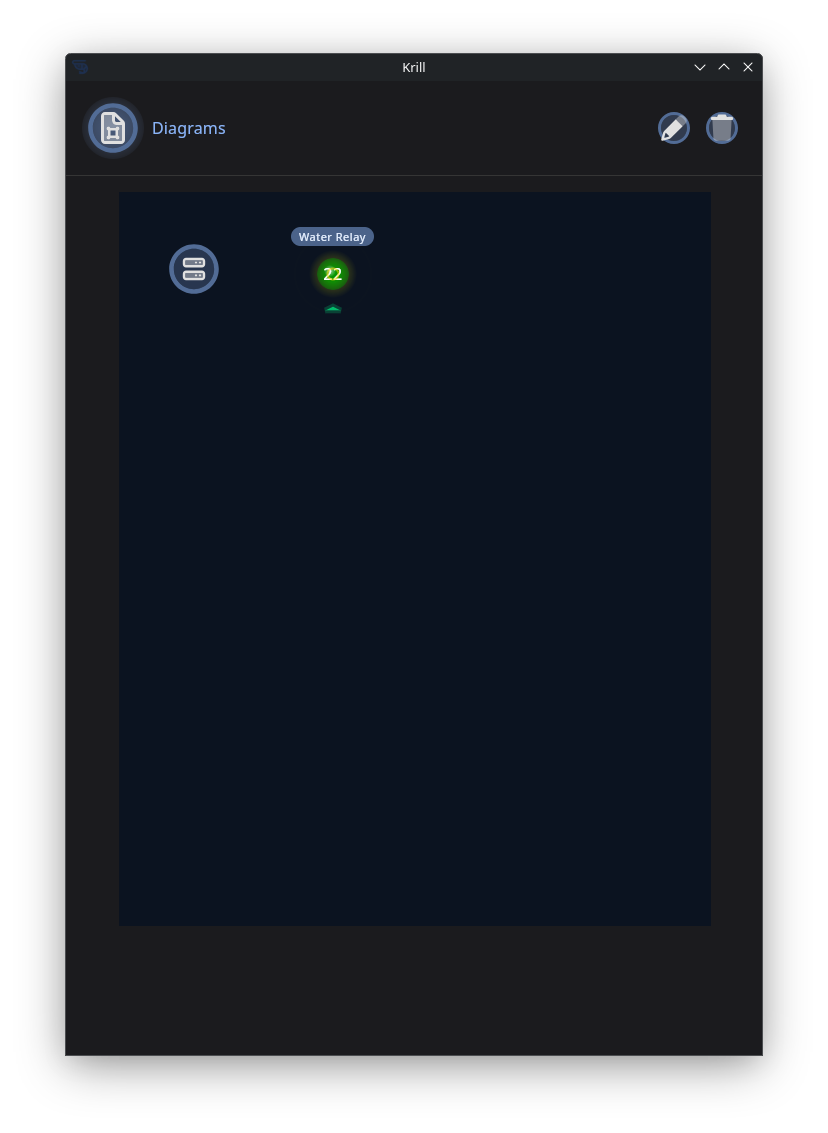
Just with this!
1
2
3
4
5
6
7
8
9
10
11
12
13
14
15
16
<rect
       style="fill:none;stroke-width:1.53635;stroke-opacity:0.545833"
       id="k_server"
       width="30"
       height="30"
       x="10"
       y="10" />
<rect
       style="fill:none;stroke-width:1.53635;stroke-opacity:0.545833"
       id="k_pin22"
       width="30"
       height="30"
       x="55"
       y="10"
       inkscape:transform-center-x="-39.908471"
       inkscape:transform-center-y="36.727361" />
You can upload SVG files to a Krill Server or keep them anywhere your app can access and see changes automatically when files are modified.